Turn Visitors into Leads with Smart Website Design
- Julian Sanchez
- Mar 12
- 3 min read

When someone visits your website, you want more than just a glance. You want them to take action. Turning visitors into leads is the key to growing your business. A smart website design can make this happen. It’s not about flashy graphics or complicated features. It’s about clear, simple, and effective design that guides visitors to become customers.
Why Website Design Matters for Lead Generation
Your website is often the first impression people get of your business. If it looks outdated or confusing, visitors leave quickly. But a well-designed site keeps them interested. It shows professionalism and builds trust. This trust encourages visitors to share their contact information or make a purchase.
Good design focuses on user experience. It makes navigation easy and content clear. Visitors should find what they need without frustration. When your site is easy to use, visitors stay longer. Longer visits increase the chance they will become leads.
Here are some key design elements that help:
Clear calls to action (CTAs): Buttons or links that tell visitors what to do next.
Fast loading times: Slow sites lose visitors fast.
Mobile-friendly layout: Many users browse on phones or tablets.
Simple navigation: Menus and links that are easy to find and use.
Trust signals: Reviews, testimonials, and certifications.
How to Use Design to Guide Visitors
Design is not just about looks. It’s about guiding visitors through your site. Think of your website as a path. You want visitors to follow it smoothly from arrival to action.
Start with a strong homepage. It should clearly state what you offer and why it matters. Use headlines that grab attention and explain benefits. Add a clear call to action, like “Get a Free Quote” or “Contact Us Today.”
Next, organize your pages logically. Group related information together. Use headings and bullet points to make content easy to scan. Visitors often skim rather than read every word.
Use visuals wisely. Images and icons can highlight important points. But avoid clutter. Too many images or animations distract visitors.
Finally, make your contact options easy to find. Include phone numbers, email, and a contact form on every page or in the footer. The easier it is to reach you, the more leads you get.

Essential Features for Lead Generation Website Design
To turn visitors into leads, your website needs specific features. These features work together to capture visitor information and encourage contact.
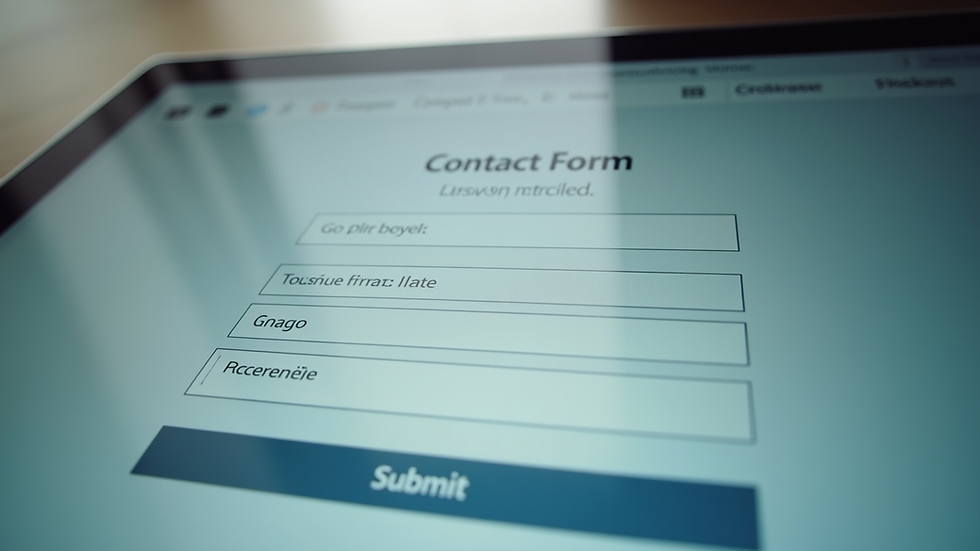
Lead Capture Forms
Forms are the main tool for collecting visitor details. Keep forms short and simple. Ask only for essential information like name and email. The more fields you add, the fewer people will fill it out.
Strong Calls to Action
Use action words like “Download,” “Subscribe,” or “Get Started.” Place CTAs in visible spots like the top of the page, at the end of content, and in sidebars.
Landing Pages
Create dedicated pages for specific offers or campaigns. These pages focus on one goal, such as signing up for a newsletter or booking a consultation.
Trust Elements
Add testimonials, reviews, and client logos. These build confidence and reduce hesitation.
Live Chat or Chatbots
Offering instant help can convert visitors who have questions or doubts.
Analytics and Tracking
Use tools like Google Analytics to see how visitors behave. This data helps you improve your design and content.
By combining these features, your website becomes a powerful lead generation tool.
Simple Steps to Improve Your Website Today
You don’t need a complete redesign to start turning visitors into leads. Small changes can make a big difference.
Improve your headlines: Make them clear and benefit-focused.
Add or update CTAs: Make sure every page has a clear next step.
Simplify your forms: Remove unnecessary fields.
Check your site speed: Use free tools to test and improve loading times.
Make your site mobile-friendly: Use responsive design or test on different devices.
Add testimonials: Ask happy customers for short quotes.
Use contrasting colors for buttons: Make CTAs stand out visually.
These steps are easy to implement and can boost your lead capture quickly.
Building a Website That Grows Your Business
A website designed for lead generation is an investment in your business’s future. It helps you attract more customers without spending more on ads. When done right, it supports your growth by turning casual visitors into real opportunities.
If you want to create a site that works hard for you, focus on clarity, simplicity, and user experience. Use proven design principles and tools to guide visitors toward action. Remember, your website should be a partner in your business success.
For those looking to get started, consider working with experts who understand how to build a lead generation website design that fits your needs and budget. A smart design process can be simple, affordable, and stress-free.
By focusing on these strategies, you can turn your website into a lead-generating machine that helps your business thrive.



Comments